
Videos
ILX Structures videos
Short narrated videos: a tour of the app, and step-by-step training for modelling, loads, analysis, design and reports. Captions and transcripts included. Videos are hosted here, with no third-party players or tracking.
Overview
What ILX Structures is and how a model goes from first frame to finished report.
-
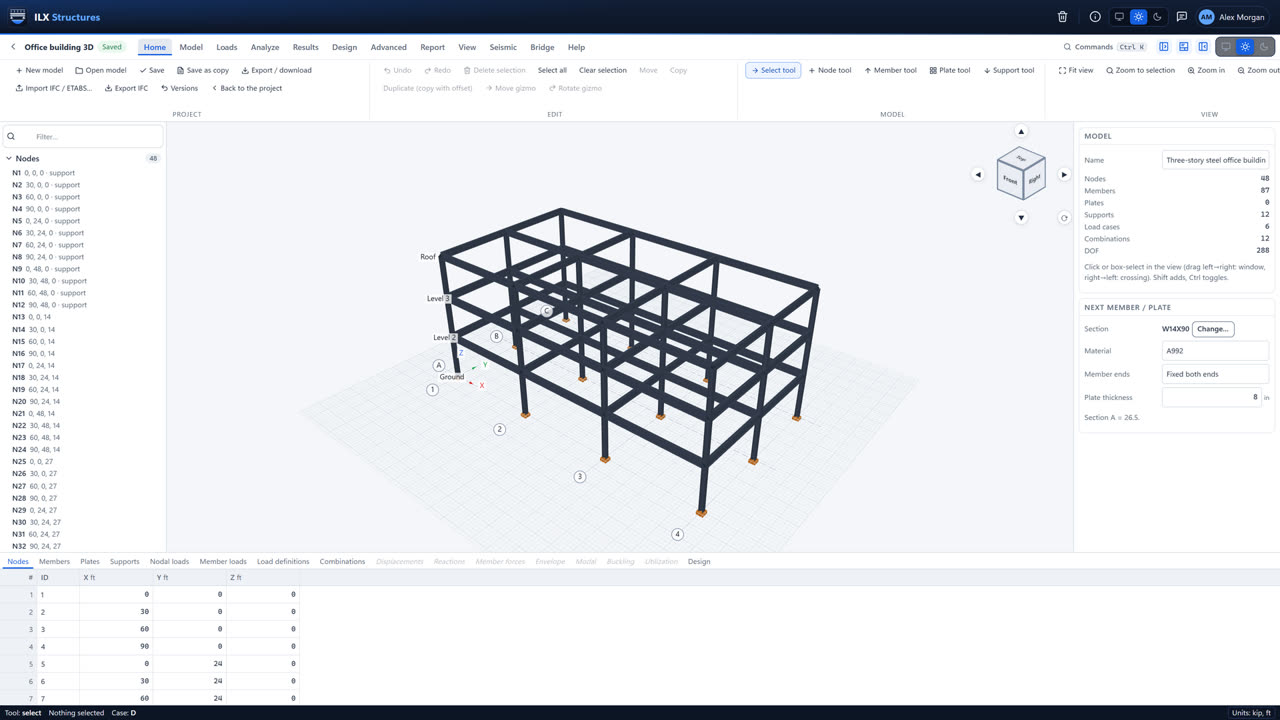 2:57
A tour of ILX Structures
Model a three-story steel building, load it, run static, modal and response spectrum analysis, design every member and print the report, in under three minutes.
Training
Step-by-step videos for each part of the work, with a link to the matching manual chapter.
-
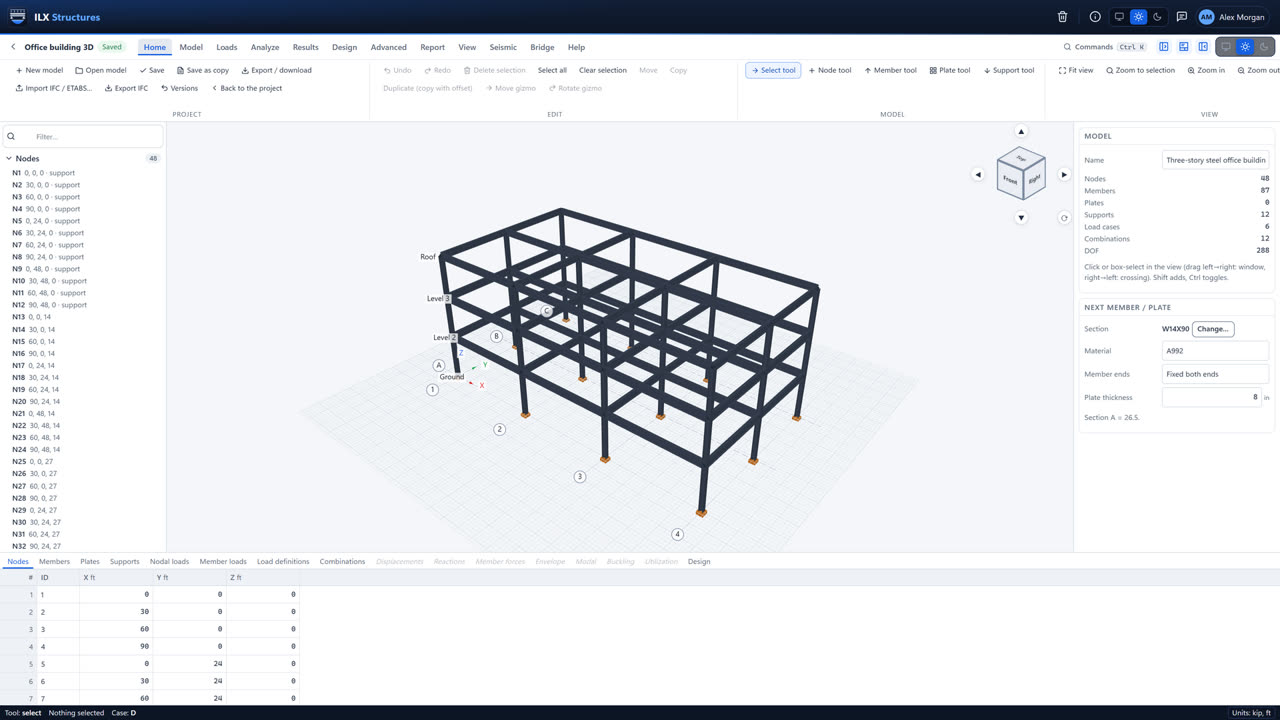 1:38
Getting started
Sign in, set your units and title block, create a project and a model, and find your way around the workspace.
-
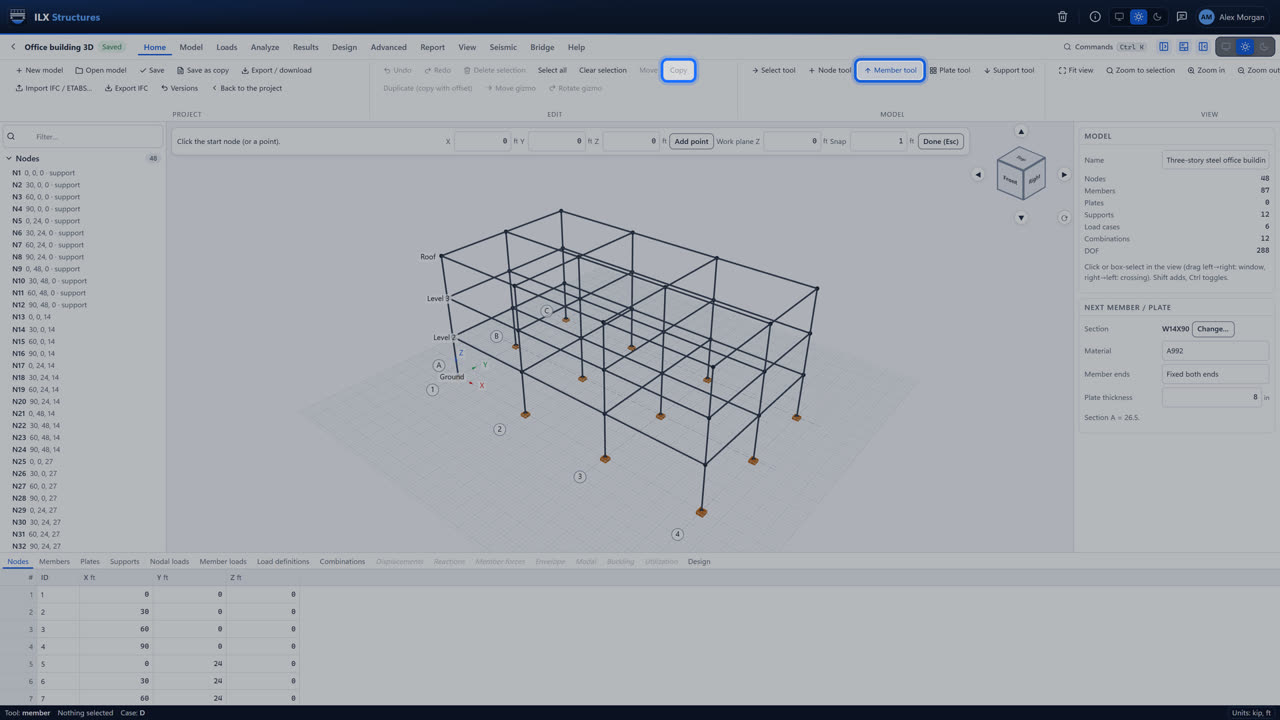 1:31
Modelling a frame
Grid lines and stories, members, sections and materials, supports, releases, rigid links and diaphragms, and plates.
-
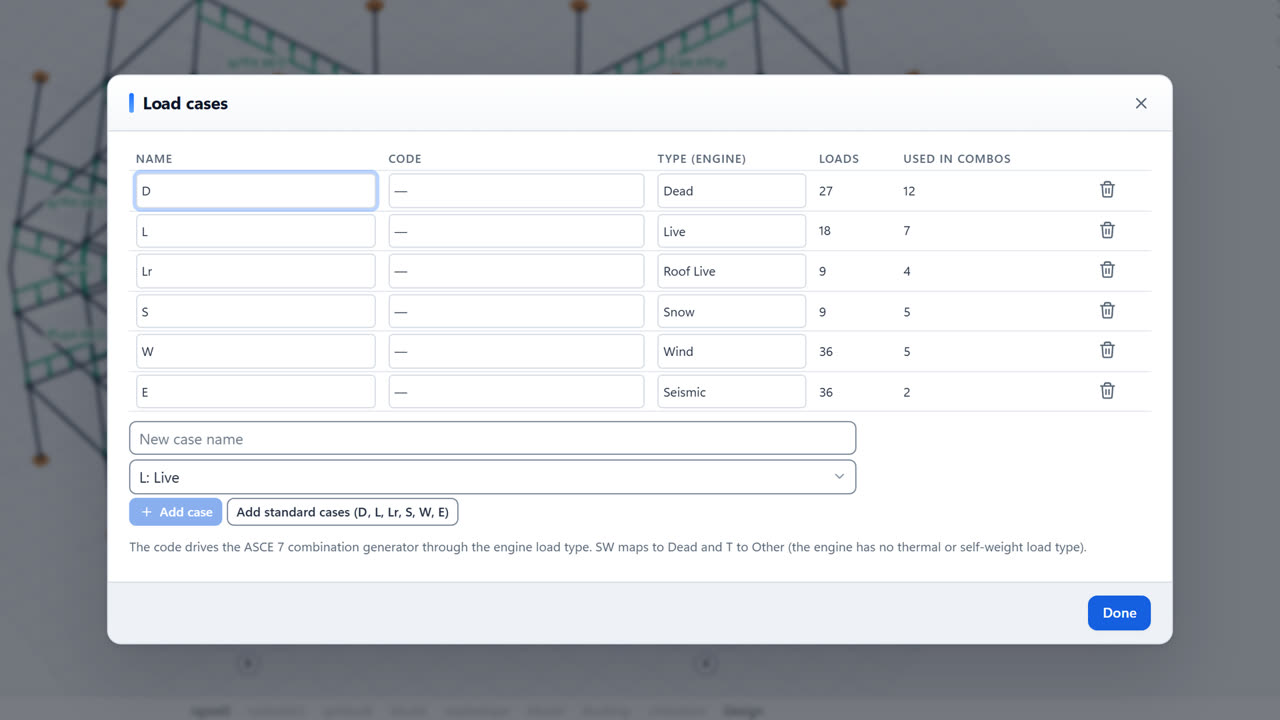 1:21
Loads and combinations
Load cases, member, area and point loads, ASCE 7-22 wind, snow and seismic generators, and the LRFD and ASD combinations.
-
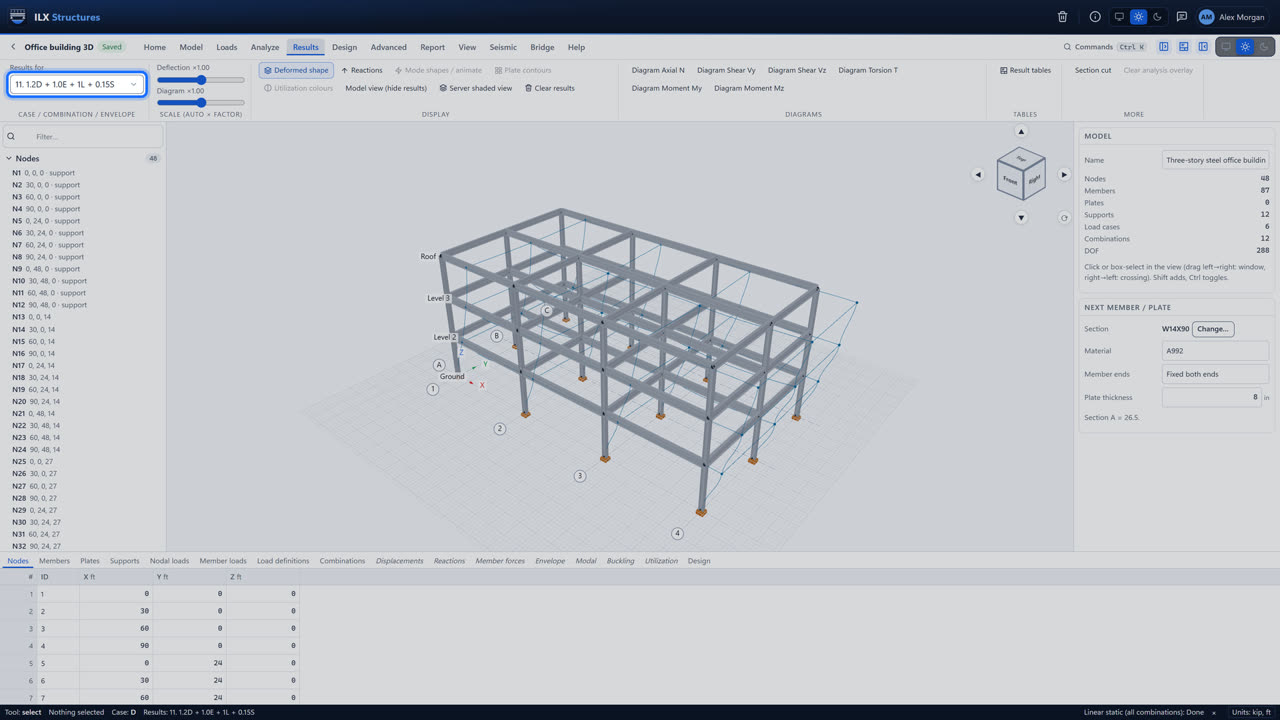 1:23
Running the analysis
Static and P-Delta analysis, background jobs, reading the results, modal and response spectrum analysis, and the advanced analyses.
-
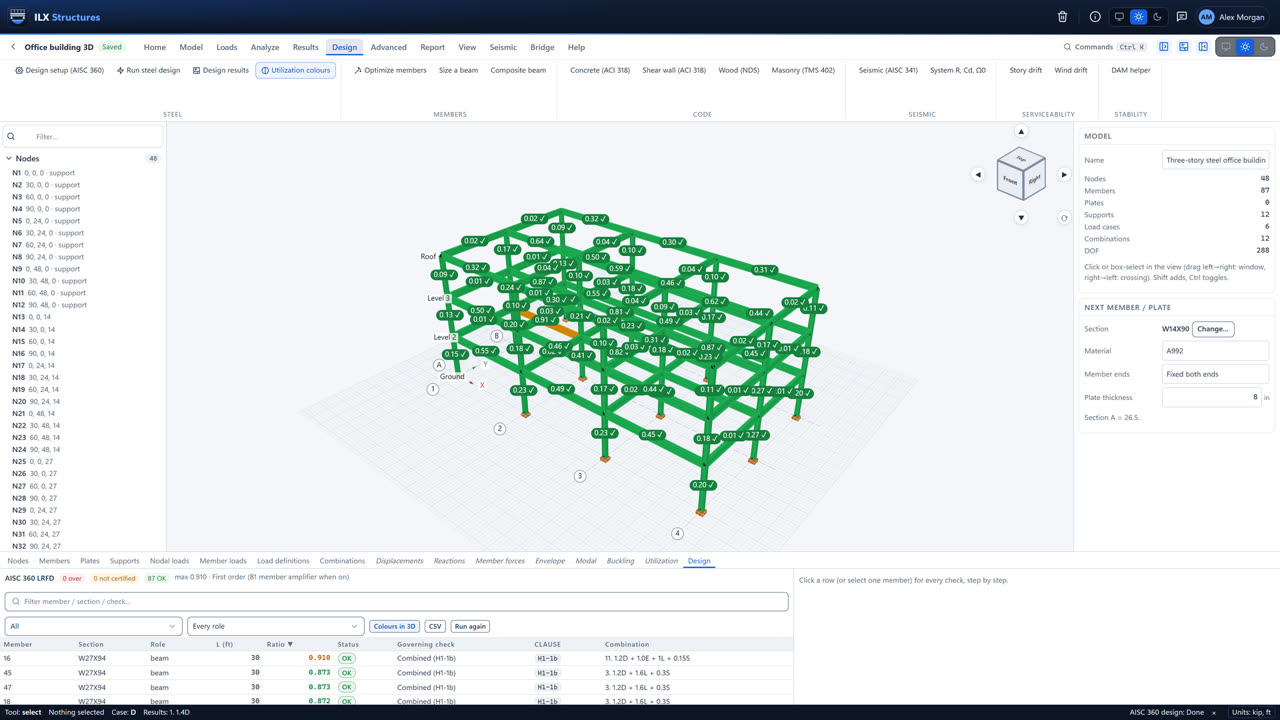 1:24
Member design and optimisation
Steel design to AISC 360-16 and AISC 341-22, reading the checks, least-weight optimisation, and concrete, wood and masonry design.
-
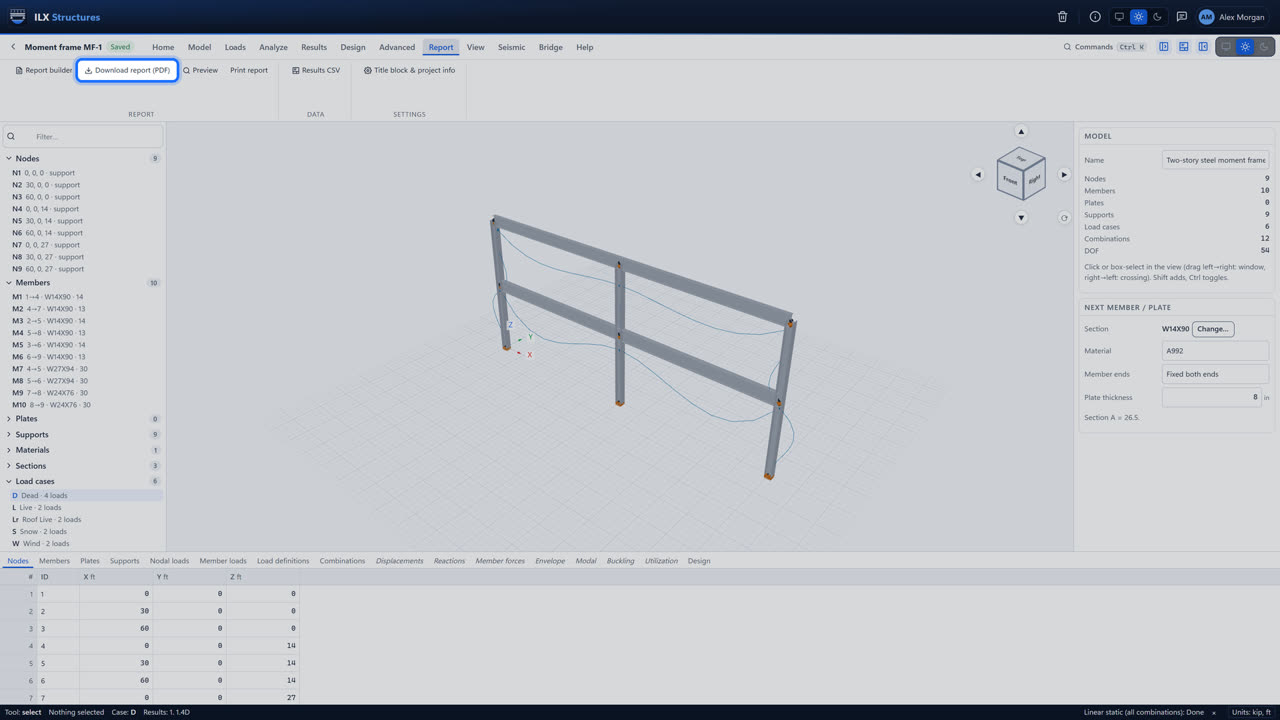 1:13
Reports and hand-off
Your title block, the calculation report, results tables, model export, and sending member forces to ILX Connection and ILX Calcs.